
Every new self-serve workspace gets $10 of credit in its wallet when it's created, and a 14-day free trial that starts the day your business is approved for calling. You don't need a credit card to start.
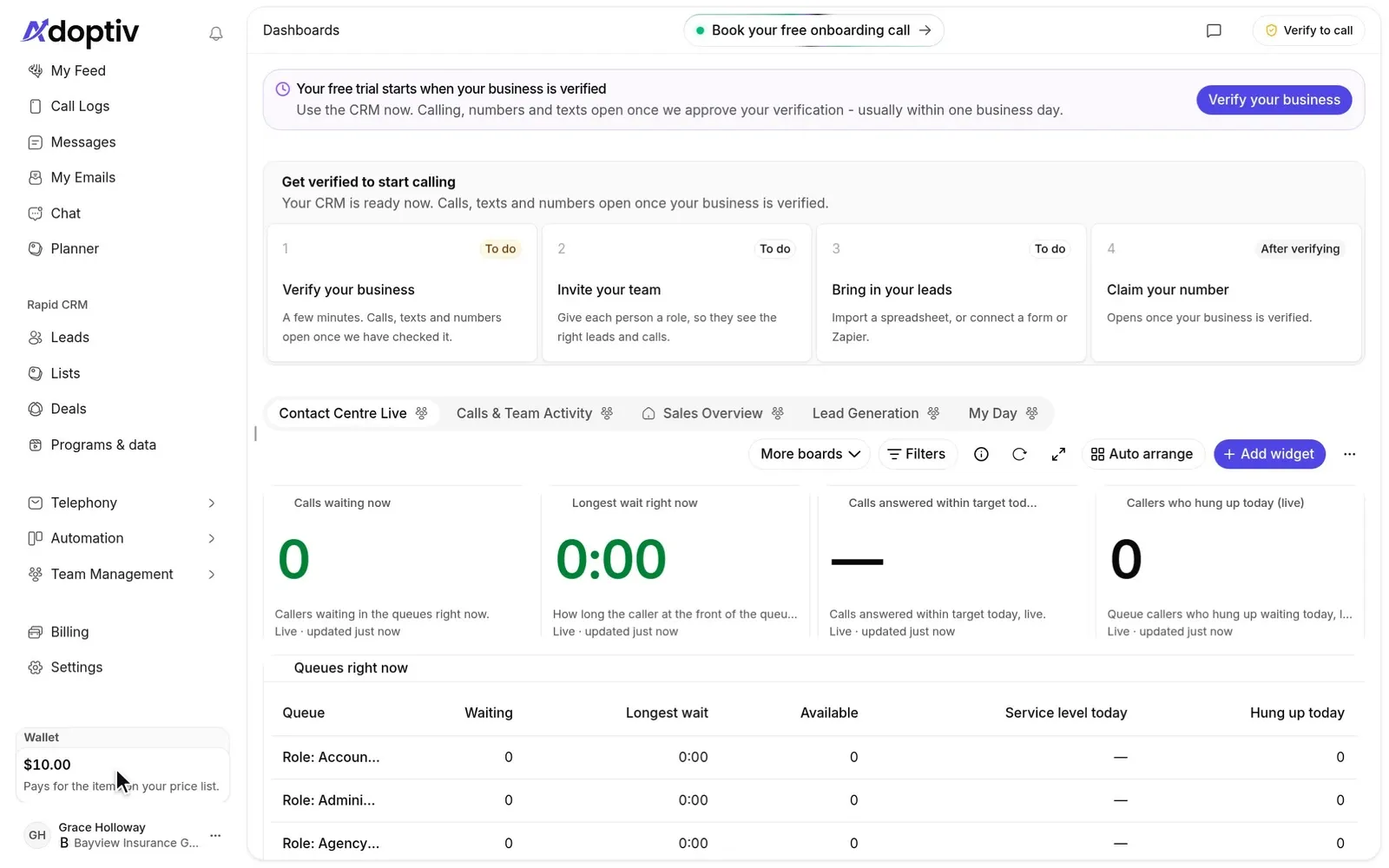
When the trial starts
The trial clock doesn't run while your application is waiting, so you don't lose trial days before you can call. Until you're approved, people who manage billing see Your free trial starts when your business is verified at the top of the page. Once approved, the trial runs for its full length from that day. See Get your workspace approved for calling.
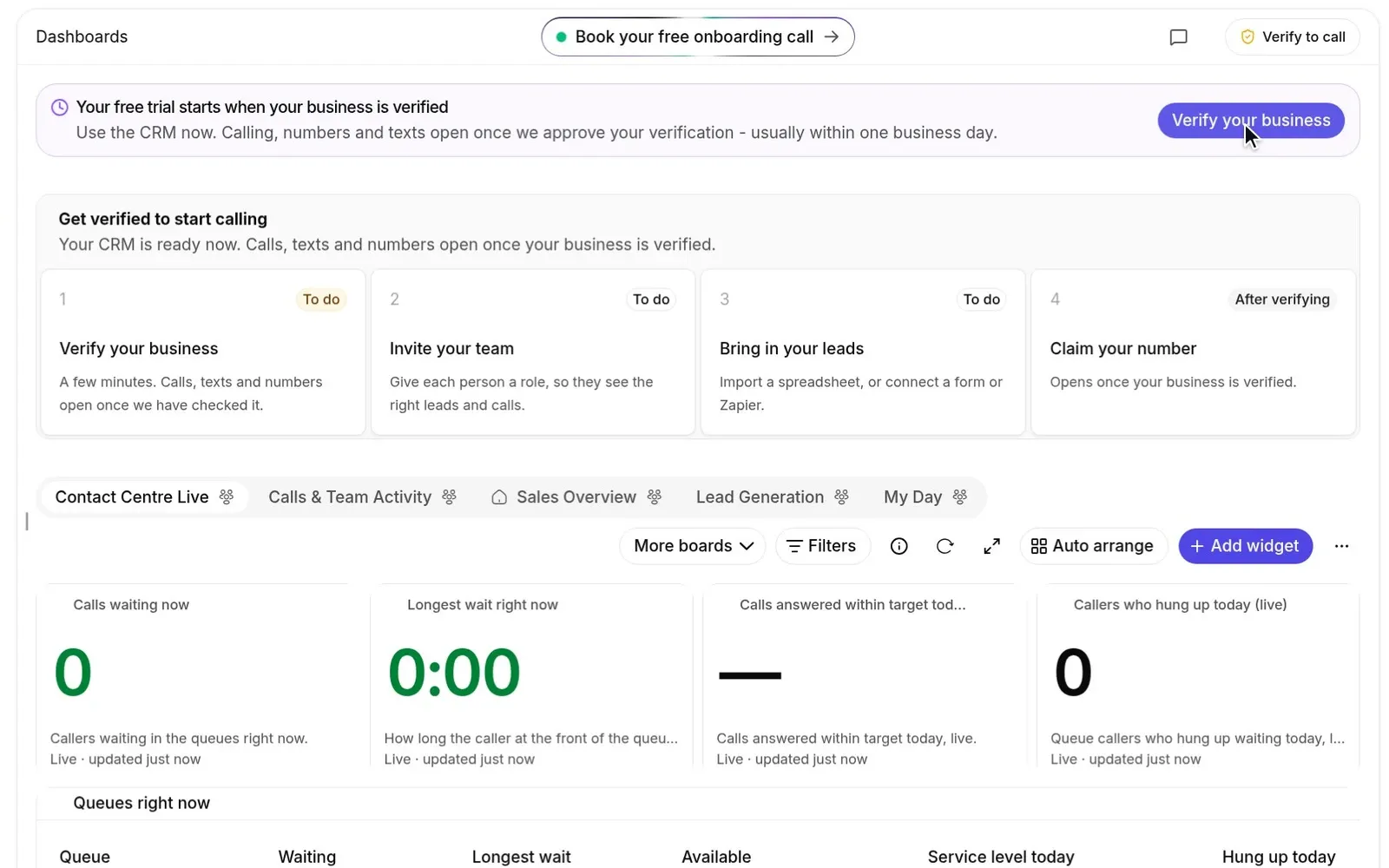
Your $10 starting credit
- It's added to your wallet when you create your workspace, once per workspace.
- Use it to try things that are paid from the wallet, such as AI agents, texts and lookups. Texts and calling wait for approval.
- To see your balance, open Billing and choose the Wallet tab.
- If you choose a plan, any unused credit stays in your wallet.
- If the trial ends without a plan, whatever is left of the credit is taken back. Money you added yourself is never taken.
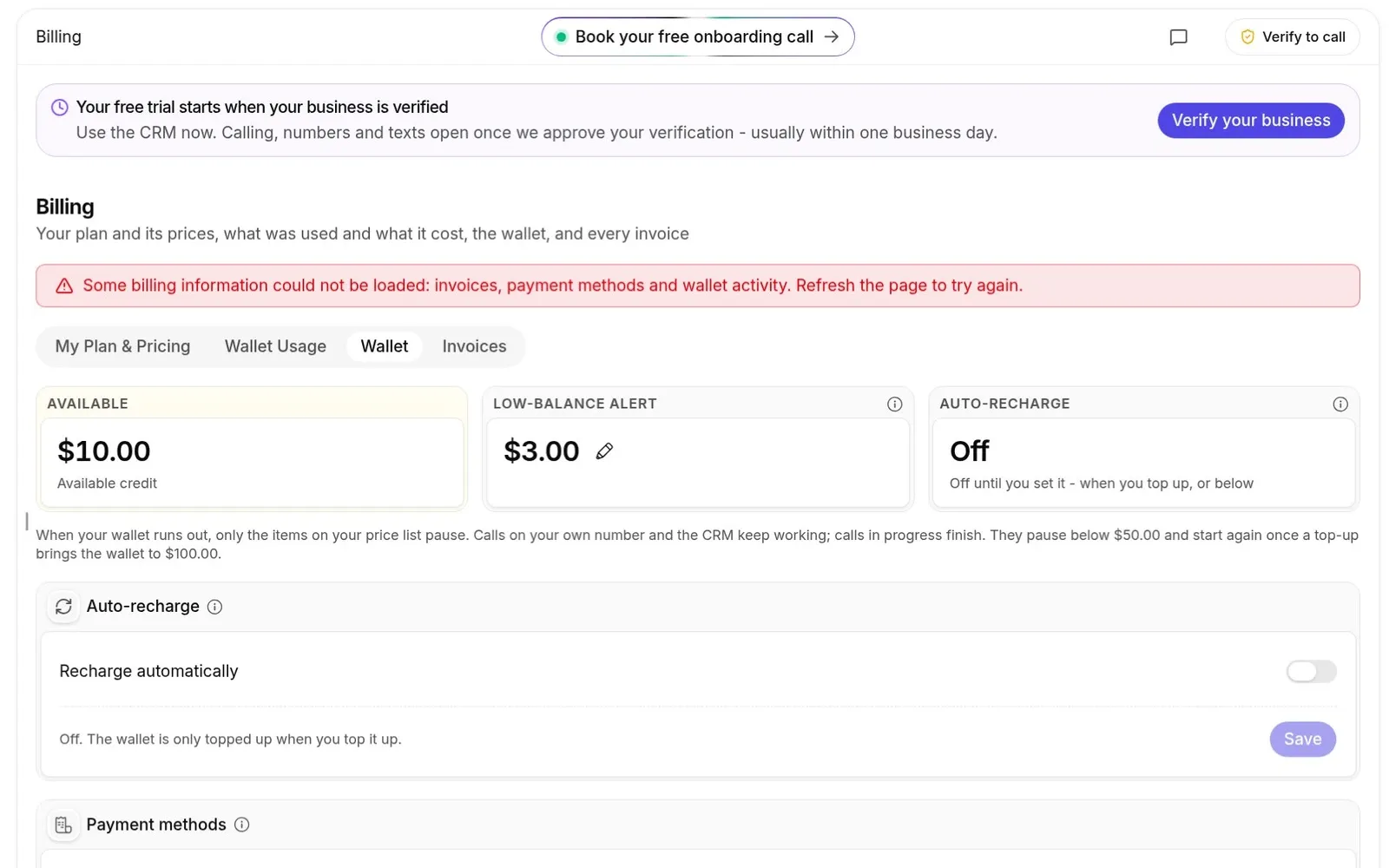
Keep track of your trial
People who manage billing see a banner with the days left, such as 5 days left in your trial, and a Choose a plan button. Press Not now to hide it for the rest of the day.
During the trial you may also see Book your free onboarding call at the top of the page. It books 30 minutes with our team to help set up your workspace and phone numbers.
Choose a plan
- Press Choose a plan on the banner, or open Billing and choose My Plan & Pricing.
- Pick a plan and follow the steps. You pay on Stripe's secure checkout page, and the plan starts once the payment goes through.
For current plans and prices, see Pricing. For more on billing, see Plans, seats and your bill.
If the trial ends without a plan
The workspace becomes read-only. Everyone can still sign in and see their leads, deals and history, but changes, calls, texts and AI are off. A banner says This workspace has no plan, so it is read-only. Choose a plan in Billing to turn everything back on.