
Getting started, in 20 short videos
Sign up, set up your workspace, get approved for calling and find your way around. Watch it through in five minutes, or read each step.
6 articles20 videos · 5:0013 min read
 0:23Step 1 · Overview
Video 1 of 20 · For owner or admin
Sign up and verify your email
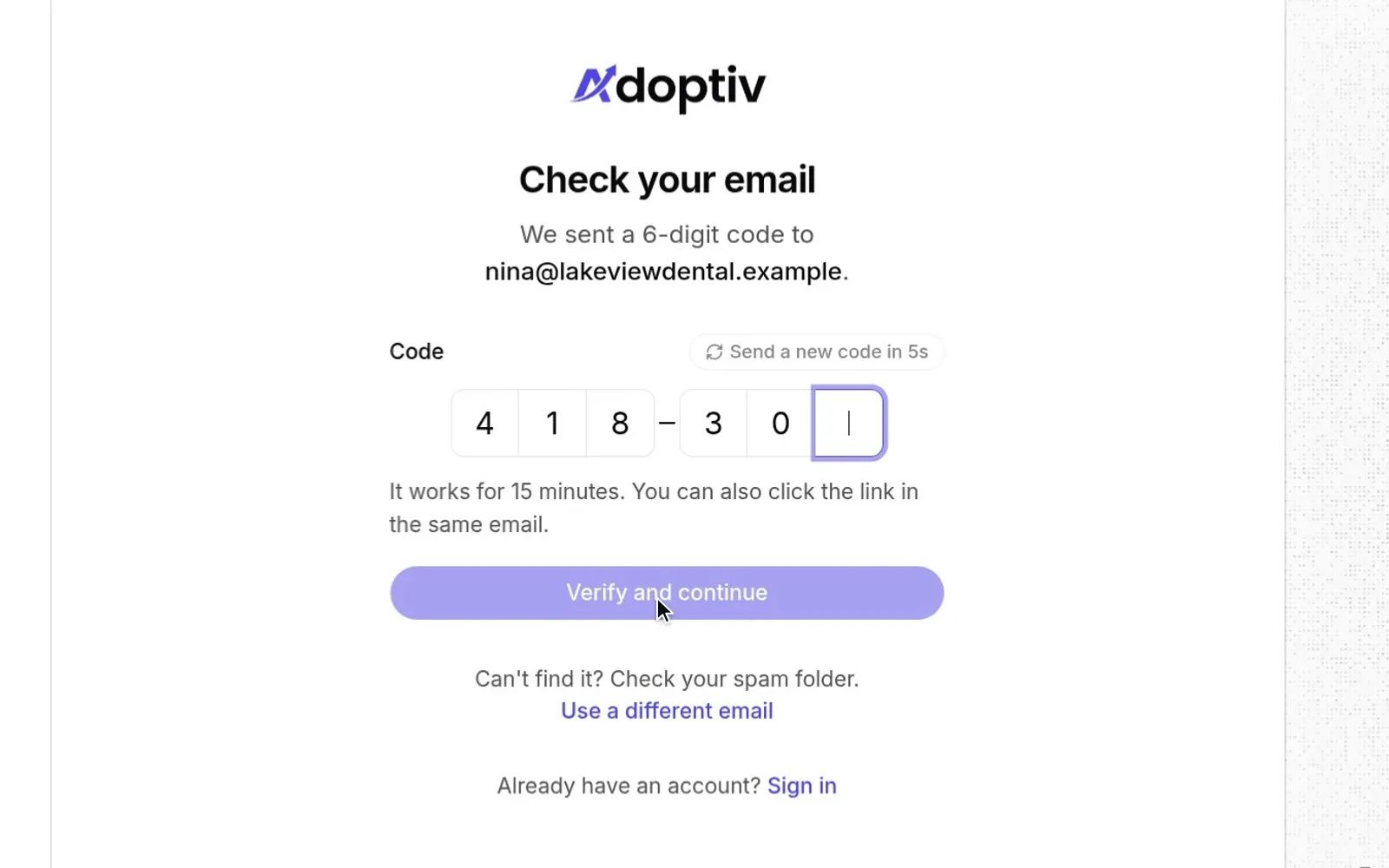
Signing up: entering a work email and a password, ticking the Terms box and pressing Start my free trial, then typing the 6-digit code on Check your email and arriving signed in on set-up.
Read this part of the articlePrefer to read?
The six articles, in order
- 1For owner or admin
Sign up and verify your email
Create your Adoptiv account with your work email and a password, then confirm the address with the 6-digit code or the link we email you.
2 min read · 3 videosAll 6 sections: Sign up and verify your email - 2For owner or admin
Set up your account
After you verify your email, tell us about you and your business and how your team works. Adoptiv then creates roles, dashboards, lead stages and call outcomes to fit.
2 min read · 3 videosAll 5 sections: Set up your account - 3For owner or admin
Get your workspace approved for calling
Your CRM works from day one, but calls, phone numbers and texts open once Adoptiv approves your business. Here's how to send the account application and what happens next.
3 min read · 4 videosAll 6 sections: Get your workspace approved for calling - 4For owner or admin
Your free trial and starting credit
New workspaces get $10 of wallet credit at sign-up and a 14-day free trial that starts the day your business is approved for calling.
2 min read · 3 videosAll 5 sections: Your free trial and starting credit - 5For everyone
Find your way around Adoptiv
A quick tour of the sidebar, the header, search and your account menu, so you know where everything lives.
2 min read · 4 videosAll 6 sections: Find your way around Adoptiv - 6For everyone
Plan your day with My Feed
My Feed puts what you've promised, what's waiting on you and what AI noticed in your conversations on one page, so you can work through your day from the top down.
- Do now: what you committed toVideo, 0:15
- Suggested: what's waiting on you
- From your conversations: AI suggestionsVideo, 0:15
2 min read · 3 videosAll 4 sections: Plan your day with My Feed
Other topics
Still need help?
Chat with our team, or email us and we will get back to you.