
Call routing, in 13 short videos
Decide where incoming calls go: call flows, business hours, greetings and voicemail. Watch it through in three minutes, or read each step.
5 articles13 videos · 3:0414 min read
 0:13Step 1 · Create a flow
Video 1 of 13
Build a call flow
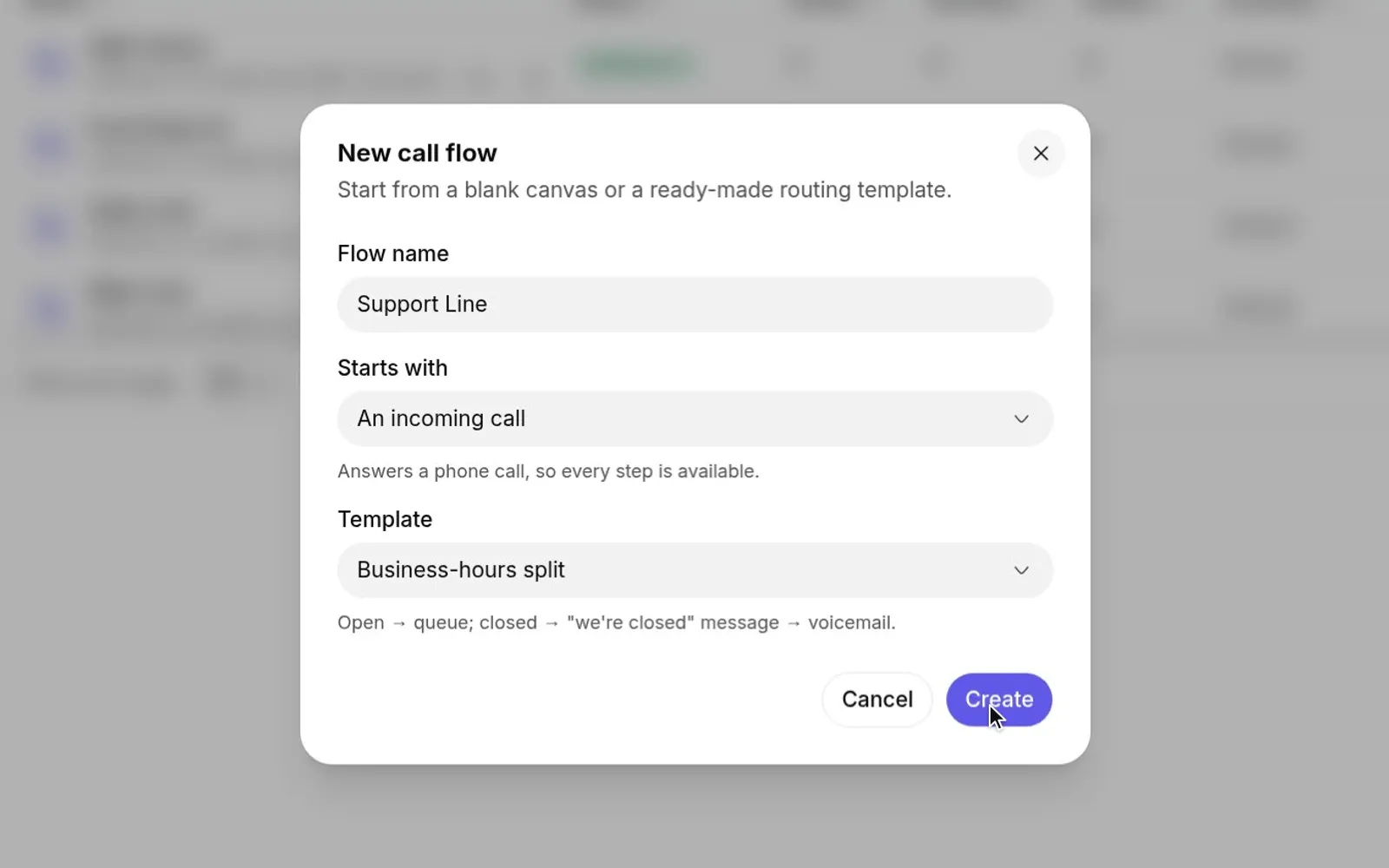
On Automation, Call flows, pressing New call flow: the name Support Line is typed, Starts with stays on An incoming call, the Business-hours split template is picked, and Create opens the flow editor.
Read this part of the articlePrefer to read?
The five articles, in order
- 1
Build a call flow
Create a call flow that greets callers, checks your hours and rings the right people, then publish it and point a number at it.
3 min read · 3 videosAll 7 sections: Build a call flow - 2
Set your business hours and holidays
Create a schedule of your open hours and holiday calendars, choose where calls go when you're closed, and use them in a call flow.
3 min read · 2 videosAll 4 sections: Set your business hours and holidays - 3
Hold music and greetings
Choose the hold music callers hear, and record, upload or generate greetings for call flows, queues and voicemail.
2 min read · 2 videosAll 4 sections: Hold music and greetings - 4
Voicemail and missed calls
Listen to voicemail, set up shared voicemail boxes and who can hear them, and find and return missed calls.
3 min read · 3 videosAll 4 sections: Voicemail and missed calls - 5
Bring your own carrier (trunks)
Connect your own phone carrier to Adoptiv with a SIP trunk: allow Adoptiv's IP addresses, add and test the trunk, and add your numbers.
3 min read · 3 videosAll 5 sections: Bring your own carrier (trunks)
Other topics
Still need help?
Chat with our team, or email us and we will get back to you.